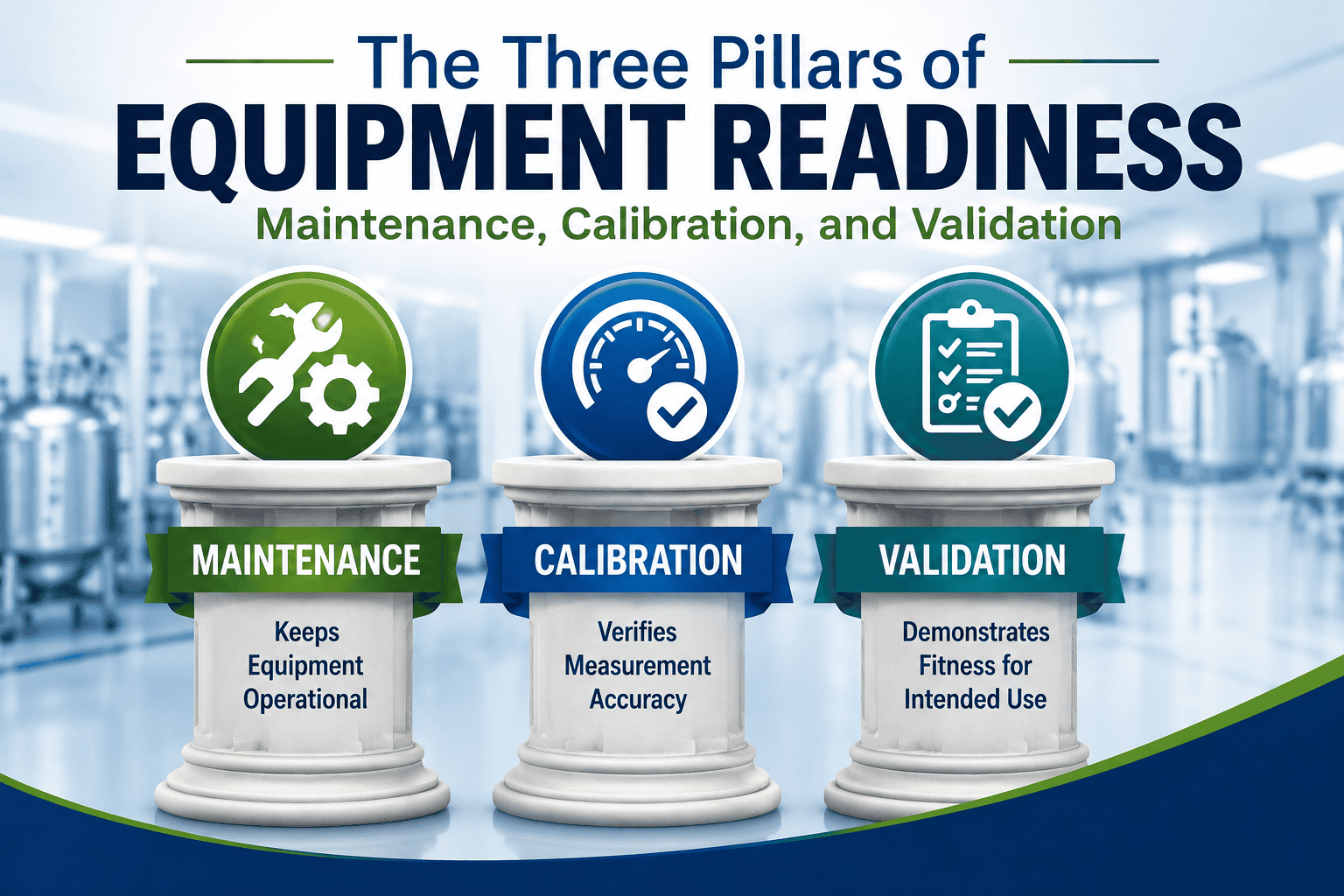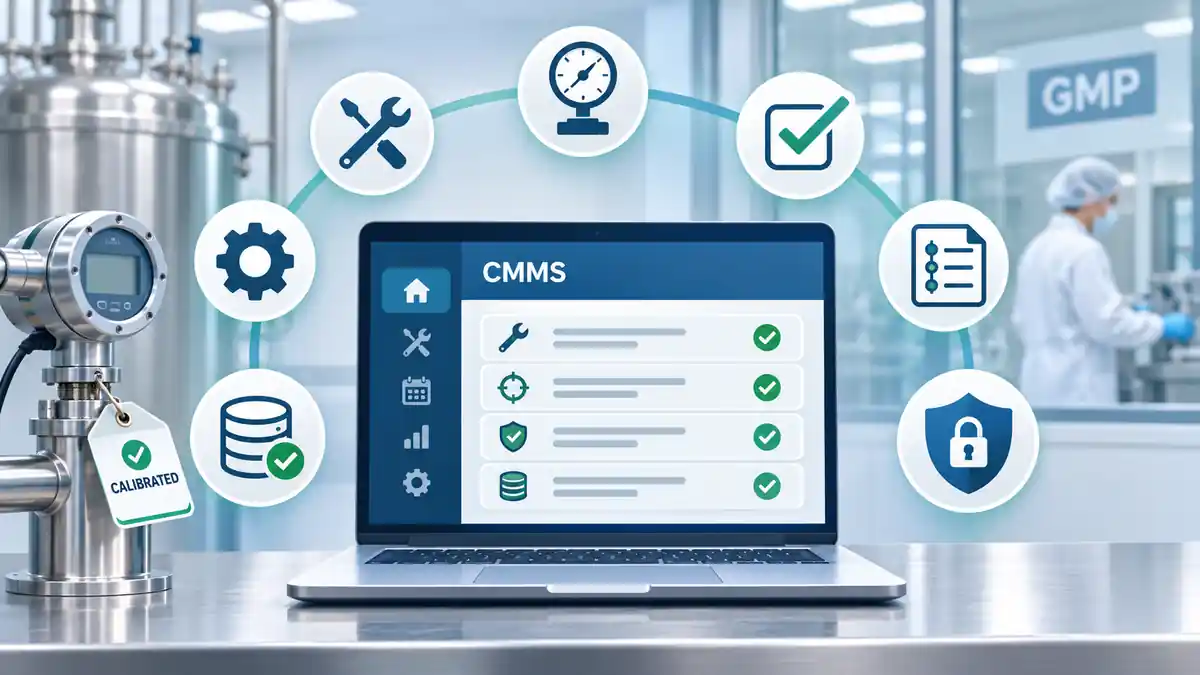
A regulated CMMS should be selected around its intended use and the GMP work it needs to support. Evaluate controlled records, role-based access and security, audit trails and electronic signatures where applicable, maintenance, calibration and validation workflows, reporting and retrieval, change control, and vendor evidence. Each operating company must assess these capabilities and validate the system for its configured use.
The practical question isn’t “What can this software do?” It’s “What do we need it to do—and what will it take to keep it under control?”
What intended-use requirements should be defined before selecting a CMMS?
Companies often progress from paper records to spreadsheets, then to a focused CMMS, and sometimes to an enterprise platform. A home-built system is another legitimate option. These are choices, not required stages of maturity: the right approach depends on the work, its risk, and the company’s resources.
Start by identifying the records and decisions the CMMS will actually control. A small site may need reliable calibration and maintenance histories without a company-wide request portal, parts inventory, or connections to several other applications.
Before talking to vendors, document:
- Users and decisions: who enters, reviews, approves, changes, and retrieves records—and who truly needs an account.
- Regulated work: equipment status, maintenance, calibration, qualification or validation tracking, and exception handling in scope.
- Records: equipment identities, procedures, results, attachments, approvals, investigations, and historical evidence.
- Locations and availability: site coverage, language, connectivity, hosting or data-location constraints, and business continuity.
- Existing data and interfaces: what must be migrated, exported, or connected; include an interface only if a real process needs it.
- Reporting and retention: overdue work, equipment histories, audit retrieval, retention periods, and readable copies.
Keep essential requirements separate from conveniences. For example, employees may report equipment problems through an established channel while a smaller group of trained users manages the controlled maintenance record in the CMMS. The original request must still be preserved when it is required evidence.
Which access, audit trail, electronic signature, and security controls are required?
A regulated CMMS needs controls appropriate to its electronic records and intended use. The first reference point is 21 CFR Part 11 when it applies; EU GMP Annex 11 may also be relevant. Not every action requires an electronic signature.
| Control | When it matters | Evidence to request |
|---|---|---|
| Role-based access | Users create, edit, administer, approve, or retrieve controlled records. | Role and permission matrix; demonstration of permitted and blocked actions. |
| Authentication and audit trails | Activities and changes to regulated records must be attributable and reconstructable. | Examples showing user, time, action and relevant record changes, including trail protection. |
| Electronic signatures | The company uses a regulated electronic signature for a required signing or approval activity. | Signing procedure, identity controls, signer/date/meaning, record linkage, and retained signature evidence. |
| Security and retention | Electronic records must remain protected, accessible, and retrievable. | Access administration, backup/recovery, retention, readable exports and attachment handling. |
Authentication isn’t automatically an electronic signature. A login and audit trail can show who performed an activity. A deliberate signature has additional requirements, including a meaning and a link to the signed record. Passwords themselves should never appear in an audit trail.
A company may sign a calibration report or other document in a separate controlled system and attach the resulting signed PDF to its CMMS record. The procedure must preserve the authentic signed record, its signature evidence and its association with the correct equipment or activity. A visible signature image alone is not sufficient proof of Part 11 compliance.
For the regulatory details, see our guide to Part 11 software requirements.
What maintenance, calibration, and validation workflows should the CMMS support?
Evaluate the work from start to finish, not just a list of modules. The table distinguishes necessary behavior when a workflow is in scope from functions that may be useful but are not universally required.
| Workflow | Needed if in scope | Optional complexity |
|---|---|---|
| Equipment status | Unique identity, status, linked records, and history. | Complex asset hierarchies, location maps, QR workflows. |
| Maintenance | Due work, procedure references, completion, and retrievable history. | Company-wide request intake, dispatch rules, resource planning. |
| Calibration | Due dates, results, standards, certificates, OOT status and investigation links. | Direct instrument interfaces and advanced analytics. |
| Validation tracking | Scheduled activities, status, approved evidence and linked equipment records. | Full protocol authoring and automated test execution. |
| Reviews and approvals | Documented review where required by approved procedures. | Multi-stage approval routing or built-in signing for every activity. |
Each added step should have a reason. A complicated workflow can increase training time and the opportunity for incomplete records. If a simple, controlled process meets the requirement, making it more elaborate may offer little benefit.
What reporting and record-retrieval capabilities should a regulated CMMS provide?
Reliable records are only useful if people can find and explain them. Ask a vendor to demonstrate the following with realistic data, not just a dashboard:
- Current equipment status and upcoming or overdue maintenance and calibration.
- Work history by equipment, activity type and date range.
- Exceptions, OOT events, investigations, restrictions, and dispositions.
- Review or approval history and associated signed documents where applicable.
- Accessible audit trails, supporting attachments, and relevant metadata.
- Search filters, reports, exports, readable copies and historical retrieval throughout the required retention period.
A useful test: pick one instrument, find its current status, retrieve its last calibration and supporting certificate, and follow an exception to its resolution. If this simple request takes excessive effort, the system may be harder to use during an inspection than its feature list suggests.
What validation evidence should a CMMS vendor provide?
Vendor documentation can shorten qualification, but a supplier’s generic validation claim does not validate the company’s actual use. Ask what comes with the system and what the customer must still do.
- Product and configuration: functional specifications, current release, supported modules, configuration limits and known dependencies.
- Tests and validation support: applicable supplier test evidence, IQ/OQ support, requirements traceability and configuration checks.
- Release and change control: release notes, defect handling, upgrade notices and impact-assessment support.
- Security and data handling: authentication, access controls, hosting, data ownership, exports, retention, attachments and recovery.
- Responsibilities: who configures, tests, approves, trains, maintains accounts, reviews changes, handles incidents and supports the system.
Ask about the time to validated use, not just the time to install. Extensive configurability can mean more choices to specify and test, more user groups to train, and more interfaces to control. The same complexity continues to consume resources after go-live.
However, not every unused feature needs exhaustive testing. Qualification should be risk-based and reflect the functions actually used. The point is to avoid acquiring unnecessary controlled workflows, not to avoid necessary validation. See our discussion of a validated CMMS for FDA-regulated use.
Which CMMS requirements are mandatory, context-dependent, or optional?
Everything starts with what you need. All other features must justify the effort to configure, train, use, maintain and potentially requalify them. This three-level matrix is a starting point; a context-dependent or optional item becomes essential if the company’s approved process requires it.
| Level | Requirement | Reason | Applies when | Evidence to request | Owner |
|---|---|---|---|---|---|
| Mandatory | Controlled equipment records | Establishes identity, status, and traceability. | GMP asset records are held in the CMMS. | Asset status and history demonstration. | Engineering / Quality |
| Mandatory | Access and attributable changes | Protects regulated records and accountability. | The CMMS maintains applicable electronic GMP records. | Role matrix, audit trail, negative access test. | Quality / IT |
| Mandatory | Validation for intended use | Shows the configured system performs as needed. | System supports a regulated GMP activity. | Requirements, risk assessment, testing, approval. | Validation / Quality |
| Context-dependent | Calibration OOT handling | Supports impact evaluation and disposition. | Calibration and OOT work are managed in the CMMS. | OOT record, status and investigation link. | Calibration / Quality |
| Context-dependent | Electronic signature workflow | Supports required signed decisions. | Signatures are executed in the CMMS rather than a separate controlled process. | Signature controls, record linkage, example. | Quality / IT |
| Context-dependent | Interfaces or data migration | Transfers needed information without losing integrity. | Business process or legacy data requires it. | Interface specification, mapping and test results. | IT / System Owner |
| Optional | Company-wide request portal | May improve high-volume request intake. | Volume justifies broad user accounts and training. | Full request-to-close demonstration. | Maintenance |
| Optional | Advanced inventory or analytics | May support complex operations. | Real operating need supports added effort. | Current-version demonstration and scope. | Operations |
Smaller can be compliant. Paper, spreadsheets, home-built software, focused CMMS platforms and enterprise systems can all be appropriate in the right circumstances. The deciding factor is whether the organization can sustain the necessary controls. A system that exceeds its staffing and administration capacity can become a GMP liability.
How should buyers compare regulated CMMS vendors?
First eliminate candidates that cannot meet documented mandatory requirements. Then ask the remaining vendors to perform the same real-life tasks: enter maintenance, complete calibration, retrieve a record, handle an exception and attach supporting evidence. See how much work the user must actually do.
This example scoring template gives meaningful weight to usability and time to validated use. Rate each category from 0 to 5; multiply the rating by its weight and divide by 5. The total possible score is 100. Adjust the weights to your own requirements.
| Evaluation area | Weight | What to judge | Score (0–5) |
|---|---|---|---|
| Intended-use coverage | 25% | Required controls, workflows, records, reporting. | _____ |
| Evidence quality | 15% | Specifications, test evidence, supplier qualification support. | _____ |
| Setup and validation effort | 20% | Configuration, migration, training, tests and time to controlled use. | _____ |
| Ease of use | 15% | Time to complete typical tasks, clarity, training load and error risk. | _____ |
| Data and integration fit | 5% | Only the interfaces, exports, and data needs actually required. | _____ |
| Ongoing change control | 10% | Upgrades, configuration changes, re-testing and admin burden. | _____ |
| Support | 5% | Training, issue resolution and vendor responsiveness. | _____ |
| Total commercial terms | 5% | Licenses, setup, validation, support, upgrades, and exit costs. | _____ |
| Total | 100% | Weighted points = sum of (weight × rating ÷ 5) | ____ / 100 |
For more background, read about choosing a validated CMMS and our five questions for buyers.
GxPReady focuses on regulated equipment, maintenance, calibration and validation records, with role-based security, audit trails, attachments and validation-support documentation. Its purpose is to support those essential activities without requiring an enterprise-scale project. Buyers should still verify current capabilities and the qualification work needed for their particular intended use.
Bottom line: A CMMS does not need to do everything. It needs to do the right things, protect the records that matter, and be manageable enough to remain in a validated state as the company grows.