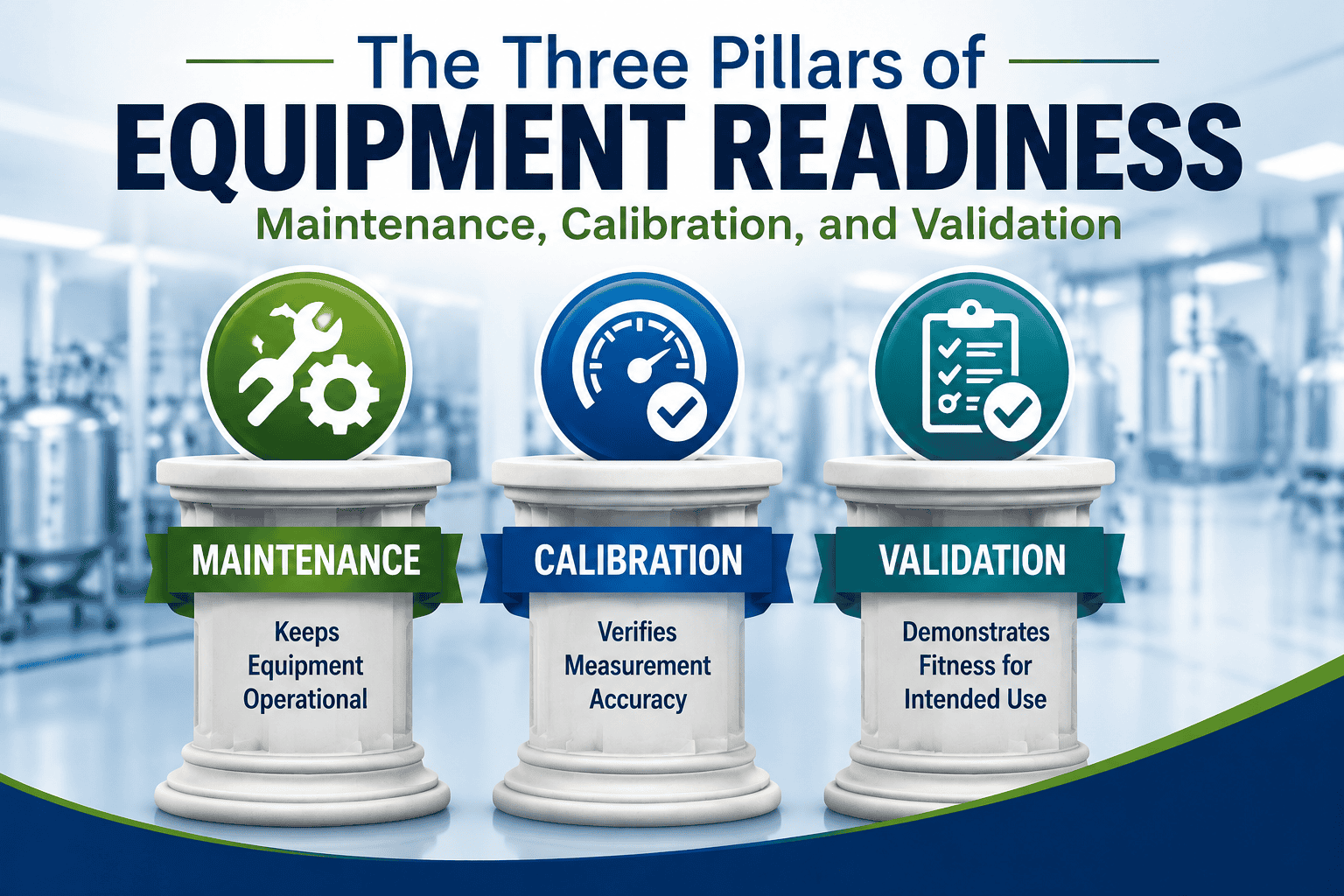
Spreadsheets are often where maintenance, calibration, and validation programs begin. They are inexpensive, flexible, familiar, and easy to deploy quickly. For smaller operations or limited-scope activities, spreadsheets may work reasonably well for a time.
But as programs grow, many organizations begin experiencing the same operational problems: increasing manual oversight, version confusion, formula concerns, scheduling complexity, audit preparation stress, paper record movement, and growing dependence on procedural controls.
In many cases, the issue is not that spreadsheets immediately fail. The issue is that spreadsheet-based workflows often require constant user attention to prevent problems from occurring in the first place.
Things You No Longer Have to Constantly Worry About
“Did someone change the formula?”
Spreadsheet formulas can be accidentally overwritten, copied incorrectly, or modified without detection. In many environments, users rely heavily on manual review and careful handling to ensure calculations remain correct.
A validated CMMS reduces dependence on manually protected spreadsheet formulas by using controlled workflows and standardized calculations.
“Is this the latest version?”
Spreadsheet-based programs frequently generate multiple copies: emailed versions, local desktop copies, archived revisions, and department-specific trackers. Over time, determining which spreadsheet is current can become difficult.
Centralized systems help reduce version confusion by maintaining records within a single controlled environment.
“Did we miss a calibration?”
As schedules become larger and more complex, spreadsheet-based tracking often requires increasing amounts of manual filtering, sorting, and oversight.
Purpose-built systems improve visibility into overdue activities, upcoming work, equipment status, and scheduling history.
“Who updated this?”
Many spreadsheets provide limited visibility into who changed data, what changed, and when changes occurred. As a result, organizations often compensate with additional procedural controls and manual review processes.
Validated systems with audit trail functionality improve traceability and visibility into operational activity.
“What happens if the spreadsheet owner leaves?”
Many spreadsheet-based programs become heavily dependent on one individual who understands the formulas, structure, workarounds, scheduling logic, and reporting process.
This creates operational risk and dependence on tribal knowledge. Purpose-built systems help standardize workflows and reduce reliance on a single spreadsheet owner.
“Where is the paperwork?”
In spreadsheet-driven environments, paper records often move through multiple hands during scheduling, execution, review, approval, and filing.
As records circulate physically throughout the organization, they may sit on desks awaiting review, become separated from supporting documents, be misfiled, accumulate handwritten corrections, or require repeated scanning and copying.
When schedules, records, and supporting documentation are centralized electronically, the amount of day-to-day document handling and physical record movement is often reduced significantly.
This can help reduce misplaced paperwork, filing delays, duplicate copies, review bottlenecks, and the general administrative “document churn” associated with paper-driven workflows.
“Did somebody overwrite the data?”
Spreadsheet-based workflows are often highly dependent on users not accidentally deleting rows, sorting incorrectly, pasting over cells, breaking formulas, or modifying protected areas.
Many organizations attempt to reduce this risk through SOPs, review steps, and administrative controls. Validated systems reduce dependence on perfect user behavior by applying structured permissions and controlled workflows.
“Why does this take so much manual effort?”
Many spreadsheet-based programs gradually accumulate review steps, backup procedures, manual logs, reconciliation activities, approval routing, and verification tasks simply to maintain confidence that the spreadsheets are still functioning correctly.
At some point, maintaining the spreadsheet system itself can become a significant operational burden.
What the Workflow Often Looks Like After Moving Beyond Spreadsheets
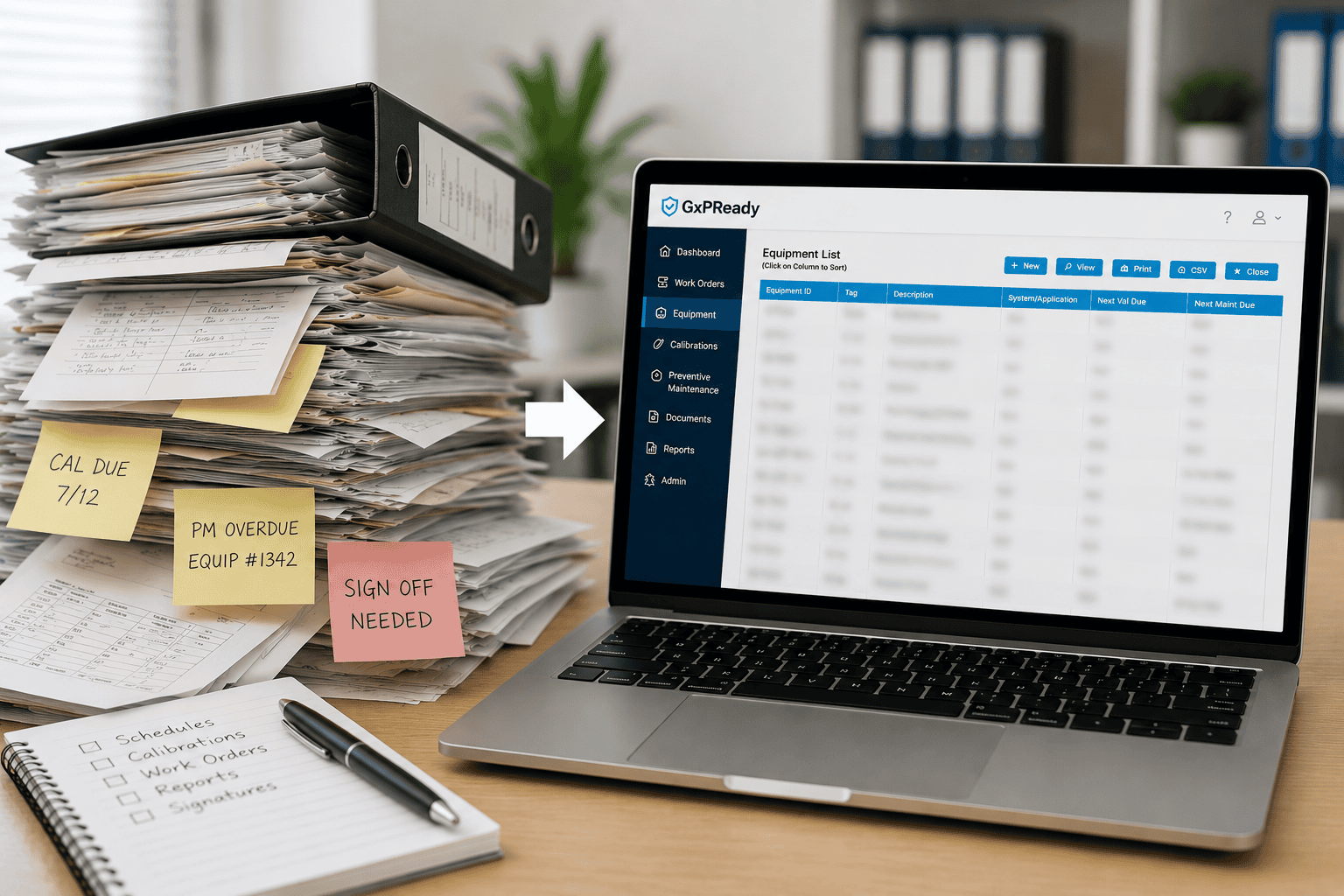
In many spreadsheet-based environments, maintenance and calibration management becomes highly manual. Someone may need to update due dates by hand, sort and filter spreadsheets repeatedly, email updated copies, verify formulas still work, manually check overdue items, build audit reports manually, search folders for completed records, and maintain multiple trackers.
By comparison, a purpose-built validated CMMS typically centralizes these activities into a controlled workflow.
A technician or coordinator may simply log into the system, view assigned or upcoming work, complete the activity, attach supporting records, close the task, and allow the system to automatically maintain status, scheduling, history, and reporting.
Supervisors and QA personnel can then review overdue activities, completion history, audit trails, equipment status, calibration records, maintenance trends, and supporting documentation without manually rebuilding or reconciling spreadsheets.
The result is often not just improved compliance visibility, but reduced administrative effort and less day-to-day operational stress.
Conclusion
Spreadsheets are not inherently inappropriate for maintenance, calibration, or validation activities. In many organizations, they serve as practical tools for scheduling, calculations, and temporary tracking.
However, as operations grow, spreadsheet-based workflows often become increasingly dependent on manual oversight, procedural controls, user discipline, and constant verification.
Many organizations eventually realize they are spending significant time maintaining spreadsheets, checking spreadsheets, fixing spreadsheets, reviewing spreadsheets, searching for records, and worrying about spreadsheets.
A validated CMMS can help shift the focus back to the actual work: maintaining equipment, completing calibrations, supporting compliance, and preparing for audits rather than managing the limitations of the tracking system itself.
The goal is not necessarily to eliminate every spreadsheet.
The goal is to reduce complexity, improve visibility, and spend less time worrying about whether the system itself is still working correctly.
To learn more about how GxPReady helps organizations simplify maintenance, calibration, and validation workflows, visit
www.gxpready.com.